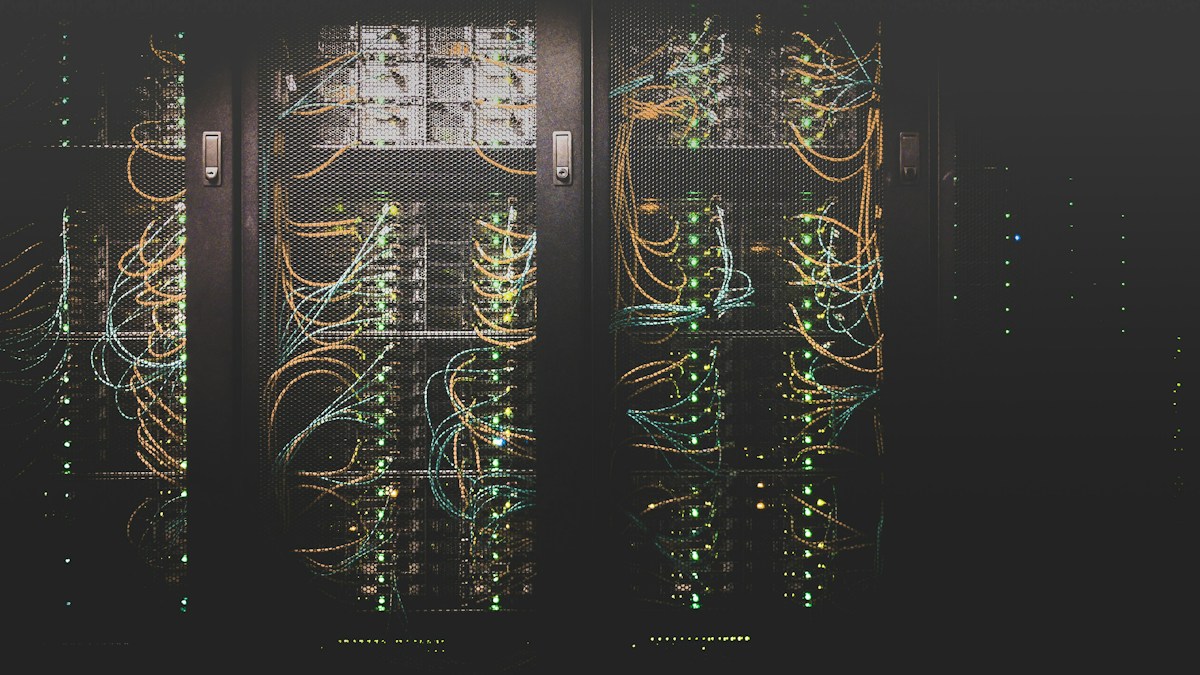
Have you ever felt like the server in your office is starting to cause more problems? Power cuts, weak air conditioning, or the room getting too full. When a business is growing, this is usually a sign that the old way is no longer enough.
Many business owners then ask themselves: should I build my own data center? Or is there a more practical option? This is where colocation often becomes the right choice.
What Is Colocation Actually?
It's simple. You still own your servers, but you place them in a professional data center instead of a small server room behind your office.
In a proper data center, the power is more stable, cooling is better, security is tighter, and the internet connection is stronger. You pay for the rack space and power, and usually there are staff who can help with physical issues.
You don't need to spend a lot of money building a special building, buying huge UPS systems, or hiring people to watch everything 24 hours. The servers stay yours; only the location changes to a place that is better prepared.
When Does a Business Start Needing Colocation?
There are usually a few signs:
- Servers go down because of power or heat problems
- The office server room is full or not secure enough
- Your IT team is already overloaded with hardware issues
- You need a more stable and faster connection to customers
- The business now has important data that cannot be lost
If several of these are happening, keeping servers in the office often becomes more expensive and riskier than renting space in a data center.
Colocation also fits if you still want full control over the hardware and operating system. Unlike cloud, where you rent virtual machines, with colocation the physical servers remain yours.
What Do You Get in a Data Center?
A good data center usually provides several important things:
- Redundant power — backup generators and UPS so things don't suddenly shut down
- Proper cooling — servers don't overheat and fail quickly
- Physical security — limited access, CCTV, and control over who can enter
- Quality internet connections — usually multiple paths so you stay online
- Technical support — people who can help replace a hard drive or restart a server if you ask
This is what often makes businesses feel more at ease. They can focus on applications and customers instead of cables and air conditioning.
Cost vs Benefit
There is a monthly cost for rack space and power. But compare that with building everything yourself:
- Buying UPS and generators
- Installing special air conditioning
- Fire suppression systems
- Security and CCTV
- Salaries for people who watch things overnight
For many mid-sized businesses, the total cost of building your own is much higher and more troublesome. Colocation lets you scale step by step. Start with one or two servers, then add more as the business grows.
The important thing is to choose a provider whose location is easy to visit if needed, and whose uptime SLA is clear.
Where to Start?
If you are considering colocation, practical steps usually look like this:
- Check how many servers you need to move
- Calculate power needs (in watts) and how many racks you require
- Ask the provider about internet connections and remote hands
- Visit the data center if possible and see the real conditions
- Start by moving only the most critical servers first
Many companies begin by moving the most important servers, then follow with the rest. This keeps the risk lower.
In short, colocation is not just about moving servers. It is about giving your business more stable infrastructure so you can focus on growing instead of worrying about a server failing in the middle of the night.
If your business is already hitting the limits of an office server room, it may be time to consider colocation.