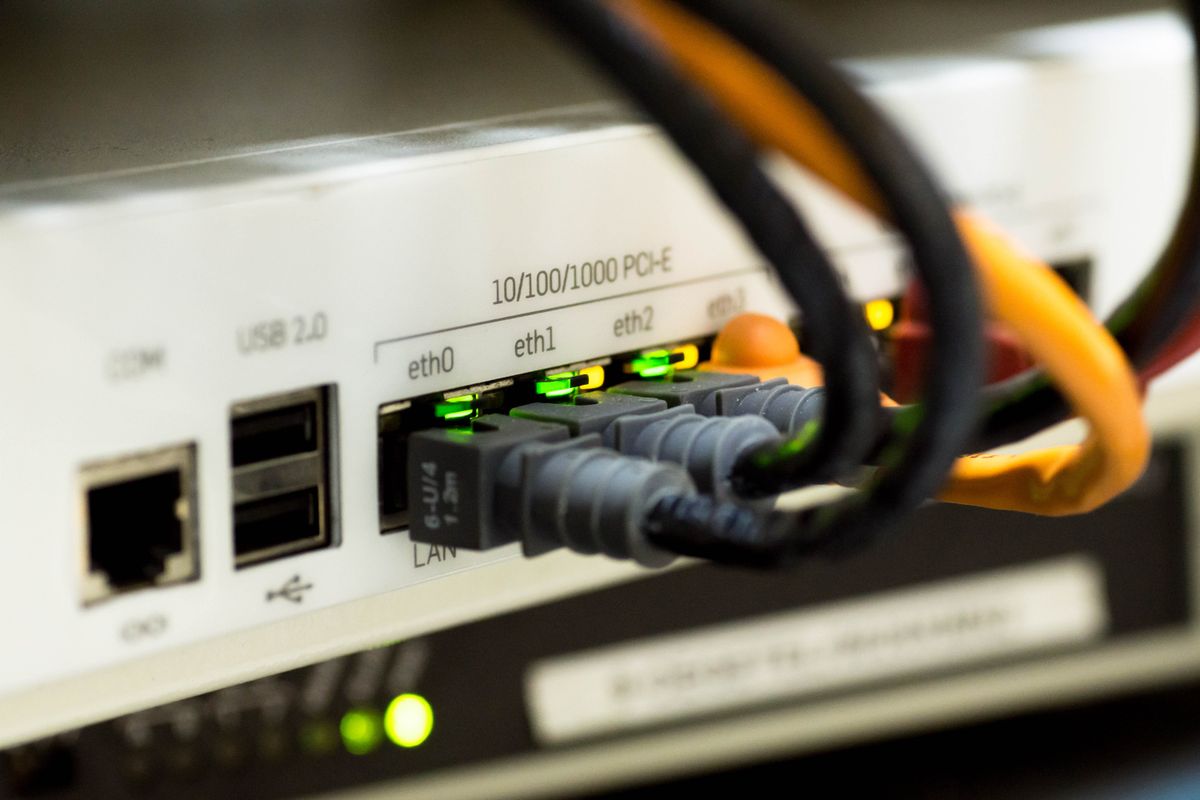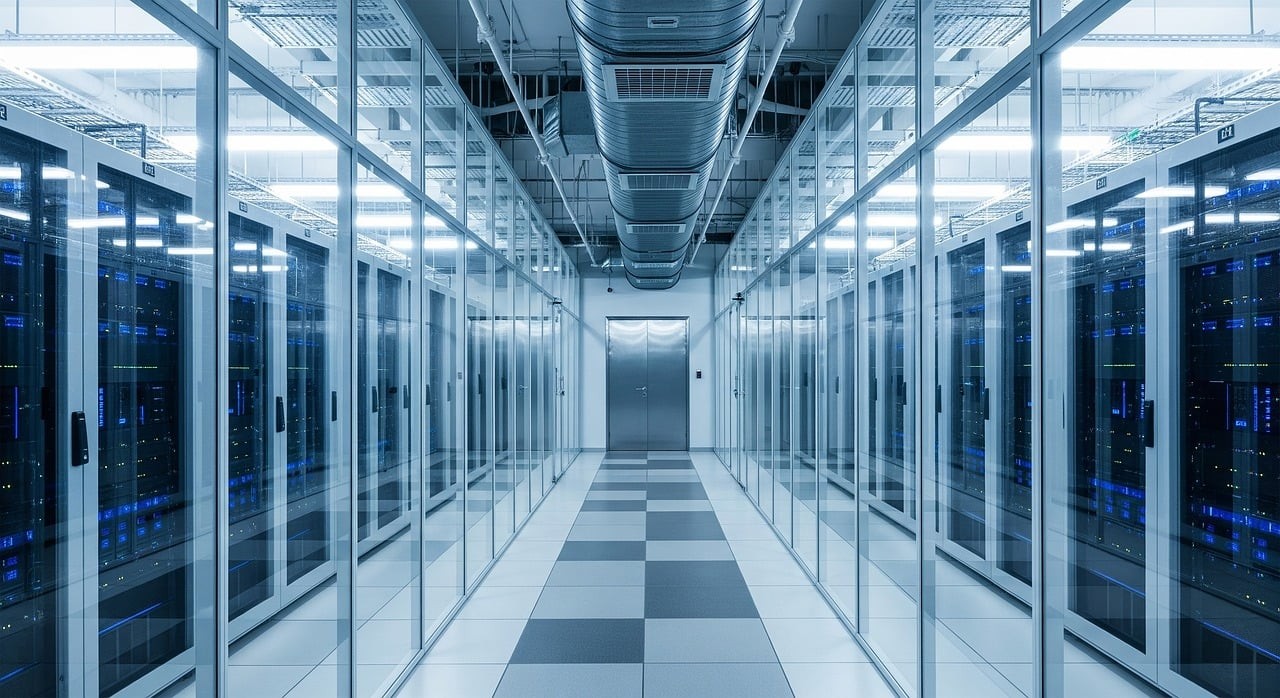
A lot of people think AI is just about software and algorithms. Open ChatGPT, ask anything, done. But try to imagine how many computers have to work hard behind the scenes so that answer appears in a few seconds.
The reality is modern AI (especially generative ones) is a resource hog. If the infrastructure behind it is just average, you’ll get slow results, high costs, or frequent downtime. That’s why “AI-ready infrastructure” is now a real topic.
AI Needs Serious Power and Cooling
Regular servers used for websites or office apps usually don’t get too hot. But GPUs used for training or running large AI models are a different story. A full rack of GPUs can consume as much electricity as hundreds of households, and the heat is just as intense.
If cooling is insufficient, temperatures rise, performance drops, and hardware can even fail. That’s why data centers serious about AI now use liquid cooling or much more aggressive designs than regular facilities.
Bottom line: power and cooling are no longer “nice to have.” They’re basic requirements.
Regular Servers Often Struggle with AI
Normal CPUs are fine for general work. But AI prefers GPUs or specialized chips (like TPUs or NPUs). If you force a large AI model to run on ordinary servers, you’ll typically see:
- Very slow processing
- Electricity costs that balloon
- Growing job queues
Many companies start by trying AI on their existing servers and end up disappointed. Only after moving to infrastructure actually designed for AI do they notice a clear difference in performance.
What You Need to Prepare for AI-Ready Infrastructure
You don’t have to build your own data center. But at least pay attention to these points:
- Stable and high-capacity power – AI likes sudden spikes in electricity use.
- Adequate cooling – regular air cooling often isn’t enough when you run many GPUs.
- Fast, low-latency network – AI models frequently move large amounts of data between servers.
- Scalability – today 4 GPUs, tomorrow maybe 40. The infrastructure needs to grow with you.
- Security and isolation – training data is often sensitive, so proper isolation between tenants matters.
If you use the cloud, choose a provider that offers GPU instances and high-performance computing options. If you go with colocation, make sure the facility is already prepared for high power density.
Cloud, Colocation, or Build Your Own?
The choice depends on scale and needs:
- Public cloud – fastest way to start. Pay as you go. Good for experiments or fluctuating workloads.
- Colocation / dedicated – more cost-effective long-term if usage is steady and large. You can install your own hardware in a ready facility.
- On-premise – only makes sense when data is highly sensitive or the volume is consistently very large.
Most companies start in the cloud, then move part of the workload to hybrid or dedicated setups once the scale becomes clear.
The key takeaway: don’t treat AI as just a software issue. The infrastructure behind it largely decides whether your AI runs smoothly or keeps struggling for breath.
If you’re planning to use AI in your business, start by checking your available power capacity, cooling, and the type of servers you have. Better to know early than get disappointed halfway through.