When people hear cloud, many picture a folder on the internet. Upload a file, open it on a phone, done. That is only the front door. Used well, the cloud can tidy daily work, cut hidden costs, and keep systems up when orders spike.
The idea is simple. You do not have to buy a big server on day one, wait for a technician when office power dies, or shuffle files across chat apps just so the team can work from different places.
You are renting capacity, not just a folder
Think of renting a room. You can store boxes in it, or you can work in it. Cloud services work the same way. Some are for storing data. Some run applications. Some process large datasets. That is why packages look so different.
The confusing part is the names. Storage, virtual servers, and managed databases can sound similar until the bill arrives. Mix them without a plan and costs creep up.
Before you move anything, ask what problem you want to solve. If you only need backups, do not rent a large always-on machine. If you run an online store, a shared folder is not enough.
- Backups and archives need safe, scheduled storage.
- Apps and websites need machines that can scale with traffic.
- Team work needs controlled access, not a public link sent to everyone.
Why smaller businesses often feel lighter
The win is rarely a fancy feature. It is fewer chores. You do not buy new hardware every time the business grows a little. You worry less about a dying office hard drive. Updates can happen without shutting everything down overnight.
A simple case: sales needs stock numbers while the warehouse updates from the floor. If that still lives in files sent back and forth, versions collide. In the cloud, one source of data can be shared with different permissions.
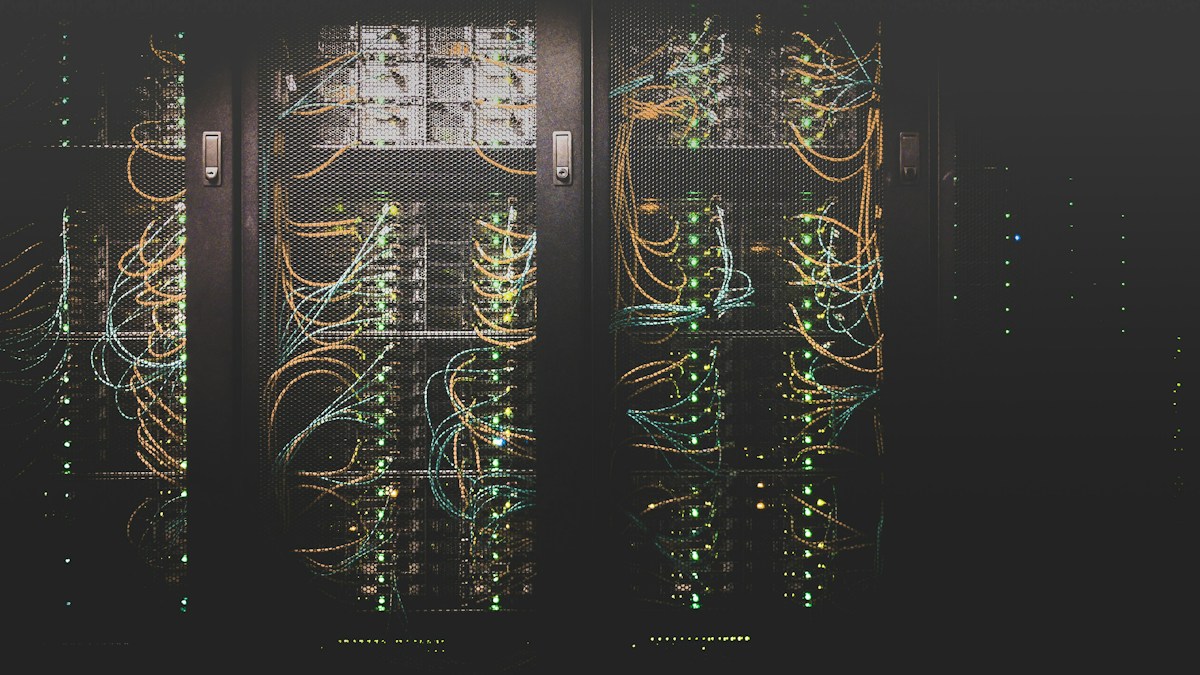
Power and cooling are easy to forget. A server in the back room looks cheap at first. Electricity, heat, and dust are hidden costs. The cloud moves that load to a facility built for machines.
The cloud is not automatically cheaper. It is more flexible. Cost depends on how you use it.
Watch-outs so it does not become a trap
Moving to the cloud does not mean you can walk away. Access still matters. Do not let everyone share one admin account. Backups still matter. Files can be deleted by mistake. Usage still matters. Many services charge by the hour. A machine running all night for daytime work wastes money.
Internet quality matters too. If the office line drops often, cloud work stops with it. Connectivity and cloud planning belong together.
- Write down which data may leave the office and which may not.
- Separate admin accounts from daily accounts.
- Turn on two-factor authentication.
- Read the bill every month instead of waiting for a surprise.
A calm way to start
Do not migrate everything at once. Start with what hurts most if it disappears: finance files, customer records, and website backups. Then move the apps people use every day.
If choosing a setup feels messy, bring in someone who understands infrastructure. Brand names matter less than a clear path: where data lives, who can open it, what happens when traffic rises, and what you will do if a service has a bad day.
The cloud is a tool. Used loosely, work stays messy. Used with a few simple rules, the business feels lighter, and you do not have to live next to a mini server room.
One helpful habit: give every service a clear name. Do not label everything “cloud server 1”. When a bill jumps, you need to know whether that is the store or a test box someone forgot to stop. Small naming habits are what separate a tidy cloud from a messy month-end surprise.