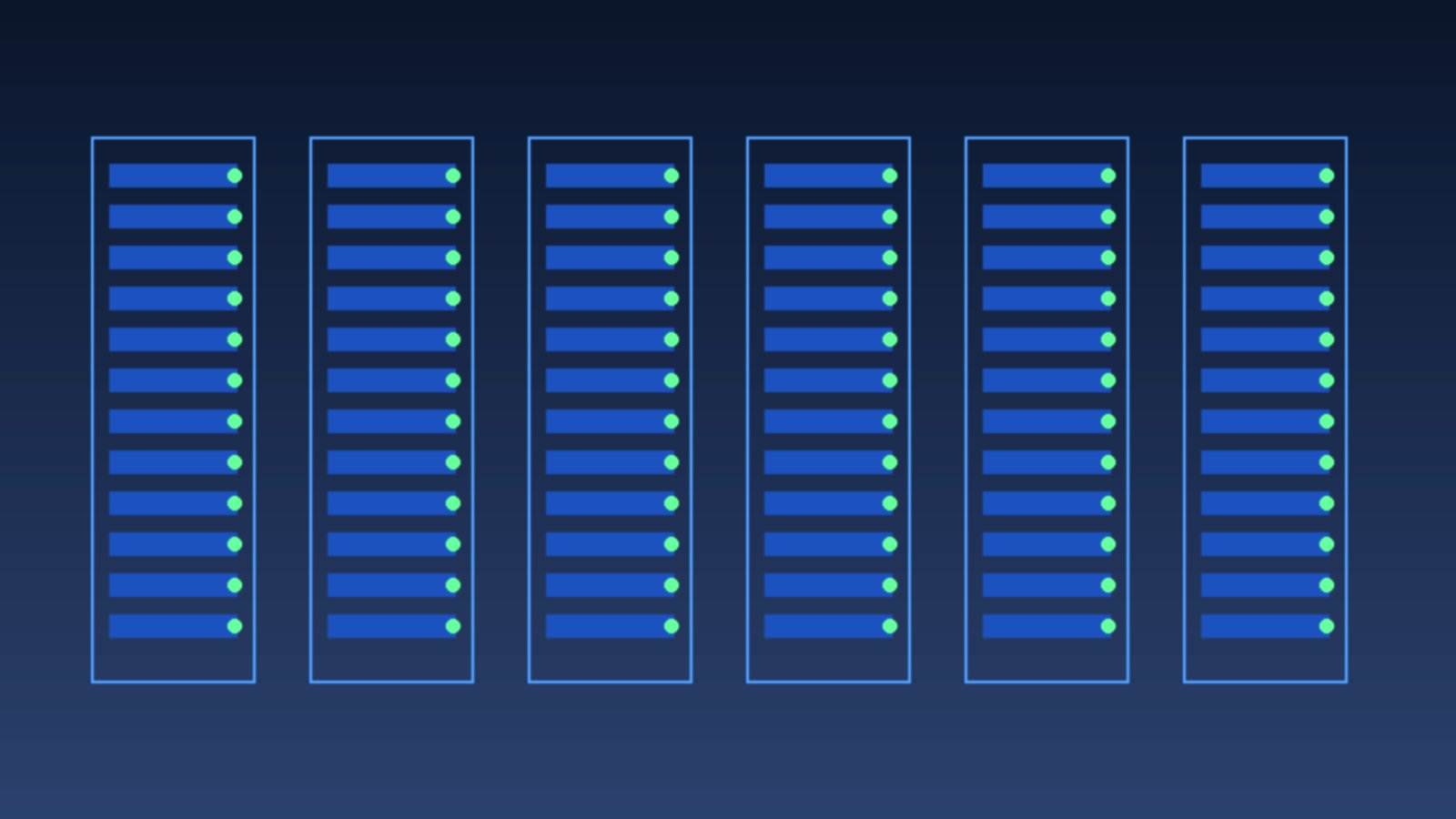
Owning an office server used to feel impressive. A rack in the corner, blinking lights, and the sense that company data was fully “in your hands.” Many small-business owners are rethinking that. Not because of hype, but because the bills and the headaches are clearer now.
Cloud here is simple: you rent computing capacity in someone else’s data center and use it over the internet. You do not buy the machine, install a special air conditioner, or stay up when a disk starts making odd noises.
What people miss when they buy their own server
The store price is only a slice. After the box arrives you still need stable power, cooling, a UPS, and someone who can fix things when they break. A two-hour outage can stop the whole team.
Hardware also ages. A machine that looks fine this year can feel slow in three years, or spare parts get hard to find. Adding RAM or swapping a disk is not a “quick job” if you have no full-time IT staff.
The painful part: the real cost shows up after something fails, not at purchase time.
Cloud is not magic. It is a different way to pay
In the cloud you pay for what you use. Need a small box for an online shop? Rent a small one. Promo season and traffic spike? Scale up, then scale down when it calms. You do not have to overbuy “just in case.”
Cloud data centers already have generators, backup cooling, and 24-hour teams. A power cut at your shop does not automatically take the website down. That is why businesses that rely on online cashiers, marketplaces, or internal apps are moving.
- No large hardware purchase up front.
- Capacity can go up or down.
- Backups are often part of the service.
- Access works from anywhere with decent internet.
When an on-site server still makes sense
Not everyone should move. If a factory system must run without internet, or internal rules say data cannot leave the site, a local server can still be right. Just count honestly: who watches it, what power costs each month, and what happens if it dies on a Friday afternoon.
Many small firms mix both. Office apps and email in the cloud, production machines on site. It does not have to be all or nothing.
What to check before you move
Do not move only because “it is cheaper.” Check your internet first. Cloud without a stable line feels like moving to the 20th floor with no elevator.
Write down which data matters. Invoices, customer records, design files, stock databases. Keep a copy. If the cloud provider has a bad day, you still have something.
Pick a service with a clear SLA. Ignore first-month promo prices. Ask what happens when it goes down, how long recovery takes, and whether a human answers besides a chatbot.
The cloud does not remove your responsibility. It moves the heavy work to a place built for that work.
If your business is still small, moving to the cloud often feels calmer. You can sell instead of becoming an accidental technician. Start simple: email, shared files, or a cashier app. You will feel which option saves time, and which one only looked cheap on the server invoice.
Start with the load you feel every day
If you are unsure, do not move everything at once. Move the work that causes the most noise. Shared files that fill laptops. Email packed with attachments. A stock app that only opens on one PC. The cloud feels useful when people stop queuing for a single machine.
After a week, ask the team. What feels easier. What feels confusing. Successful moves are usually slow. Not because people fear technology, but because work habits do not change overnight.
Track subscription cost next to the power and repair costs that disappear. Compare across three months, not one receipt. Cloud can look more expensive monthly, yet you stop buying emergency disks or calling a technician on Sunday night.
Guard the accounts. Use passwords you do not reuse. Turn on sign-in confirmation if it exists. A tidy cloud can still leak if the door is left open. The machines may sit in someone else’s hall. The lock is still yours.